

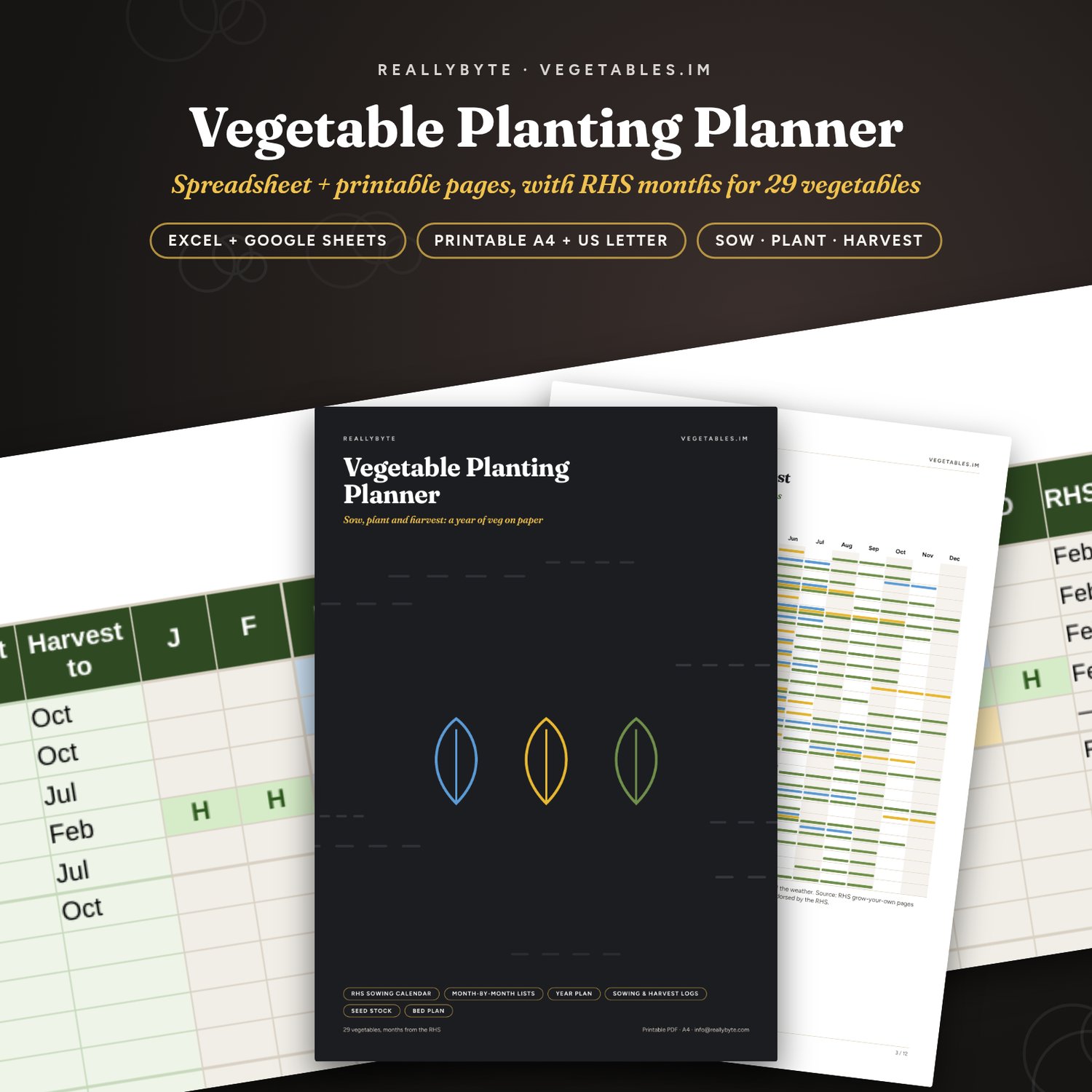
Vegetable Planting Planner: Spreadsheet + Printable Sowing Calendar
Plan your vegetable year, log every sowing and weigh every harvest. This planner is a spreadsheet that works in Microsoft Excel and Google Sheets, plus 12 printable pages, with sowing, planting and harvest months for 29 vegetables taken from the RHS grow-your-own pages.
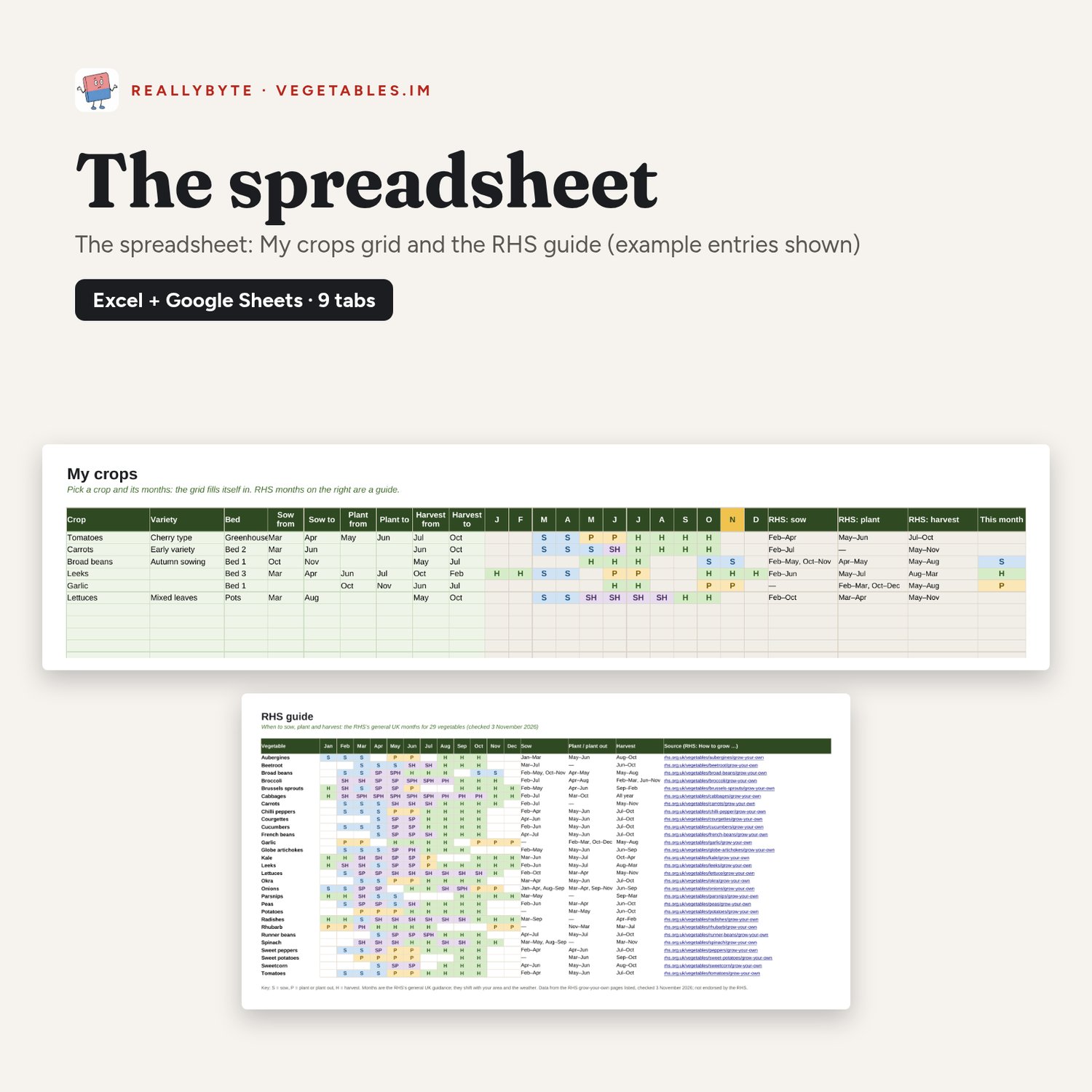
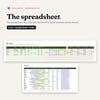
The spreadsheet (9 tabs):
- Start here: how it works, with an optional month to plan ahead
- My crops: 60 lines. Pick a crop and its sow, plant and harvest months, and a 12-month grid fills itself in, with the RHS months shown beside each crop
- This month: what the RHS calendars suggest for the month, and how many of your own crops need sowing, planting or harvesting
- RHS guide: 29 vegetables, month by month, with a link to each RHS page
- Sowing log: germination % and days to come up worked out for you
- Harvest log: weights in kg, with a harvest-by-month chart
- Seed stock: flags packets that are past their sow-by date or due soon
- Bed plan: what grew where, year by year (2026 to 2030)
- Dashboard: crops, sowings, average germination and total harvest
Also included: an example copy filled in with made-up entries, so you can see how everything links up.
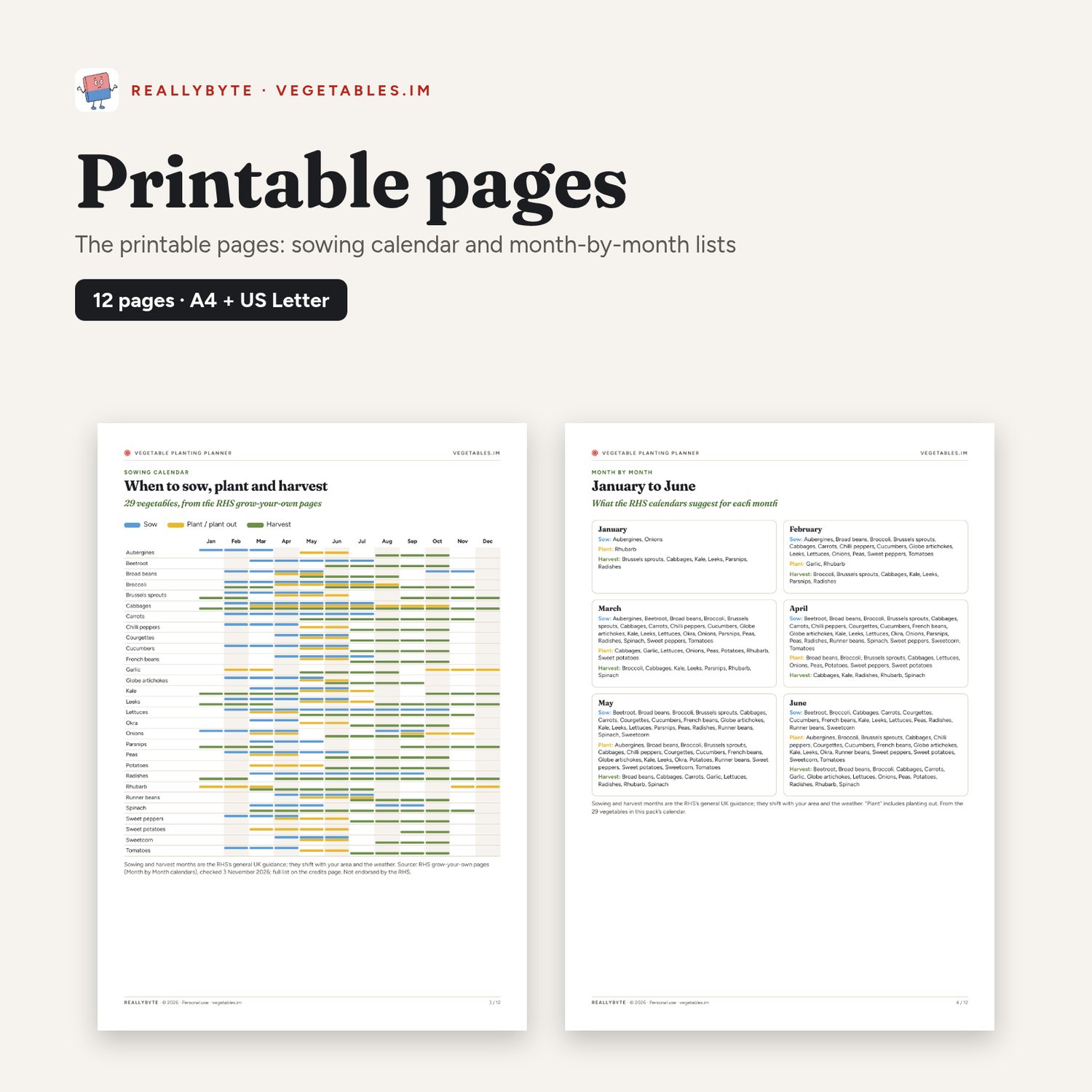
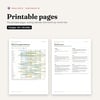
The printable pages (A4 and US Letter): a one-page sowing calendar for all 29 vegetables, month-by-month lists (what to sow, plant and harvest each month), a year plan, sowing log, harvest log, seed stock list, bed plan with a plot sketch grid, and notes.
The 29 vegetables: aubergines, beetroot, broad beans, broccoli, Brussels sprouts, cabbages, carrots, chilli peppers, courgettes, cucumbers, French beans, garlic, globe artichokes, kale, leeks, lettuces, okra, onions, parsnips, peas, potatoes, radishes, rhubarb, runner beans, spinach, sweet peppers, sweet potatoes, sweetcorn and tomatoes.
Where the months come from: the "Month by Month" calendars on the Royal Horticultural Society's grow-your-own pages, checked 3 November 2026 and listed on the credits page. They are the RHS's general UK guidance; they shift with your area and the weather, so check your seed packets too. Not endorsed by the RHS.
Files: one zip with the blank .xlsx, the example .xlsx, the A4 PDF, the US Letter PDF and a read-me. Google Sheets: upload the .xlsx to Google Drive and open it with Google Sheets.
Printing: print at 100% / actual size. The pages use light backgrounds and print well in black and white (the calendar is easiest to read in colour); the cover is dark, so start from page 2 to save ink.
The spreadsheet formulas, layouts and drawings are REALLYBYTE's own work.
Licence: for your own personal use. Please don't resell, re-upload or share it publicly.
Made by REALLYBYTE, the team behind vegetables.im. Questions: info@reallybyte.com
This is a digital download: no physical item will be shipped.