

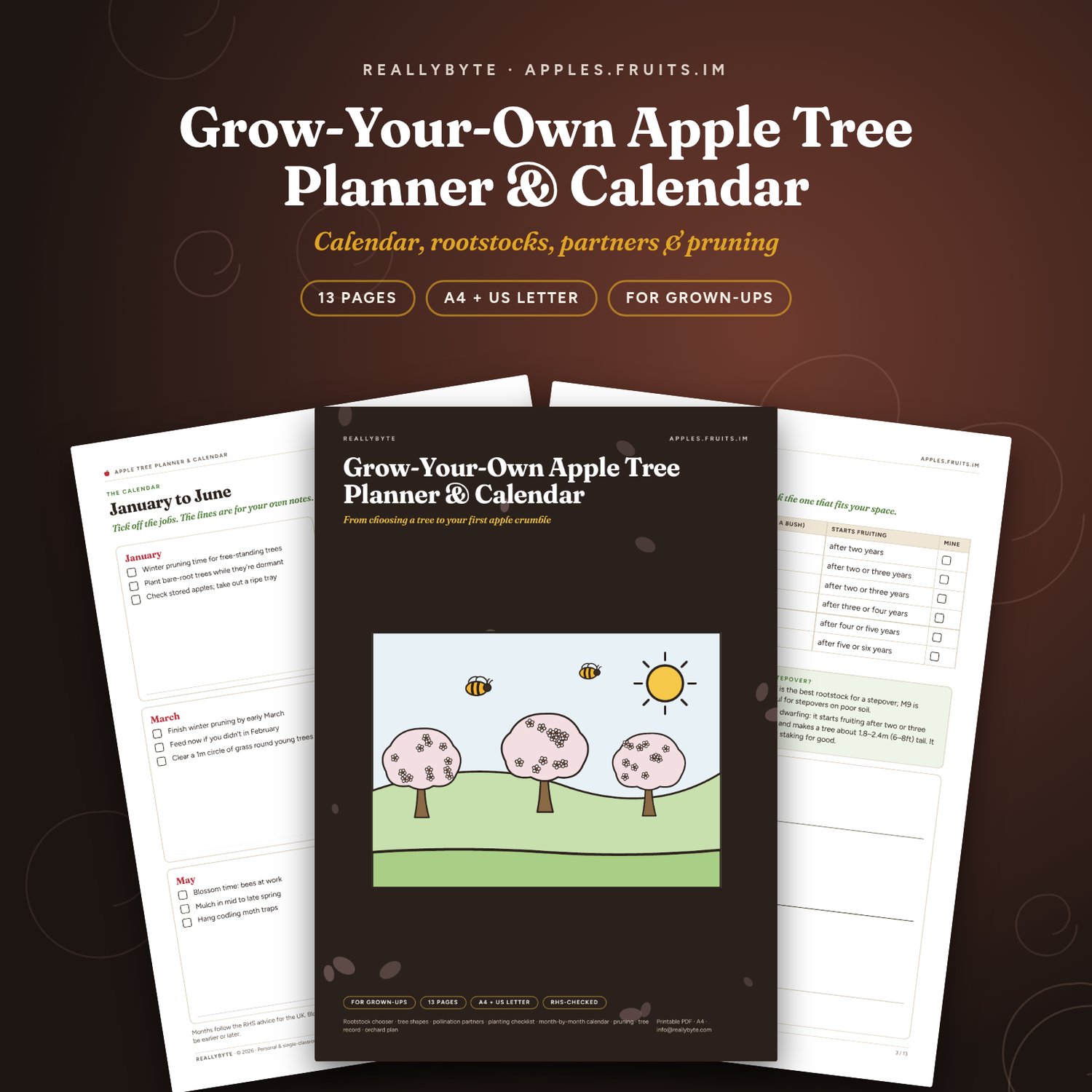
Grow-Your-Own Apple Tree Planner & Calendar
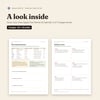
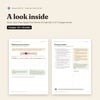
A grow-your-own apple tree planner and calendar for gardeners: choose a rootstock and a tree shape, find pollination partners, tick off a planting checklist, follow a month-by-month calendar of RHS-checked jobs, keep pruning checklists and a tree record, and draw your own garden plan.
What’s inside:
- How to use this planner
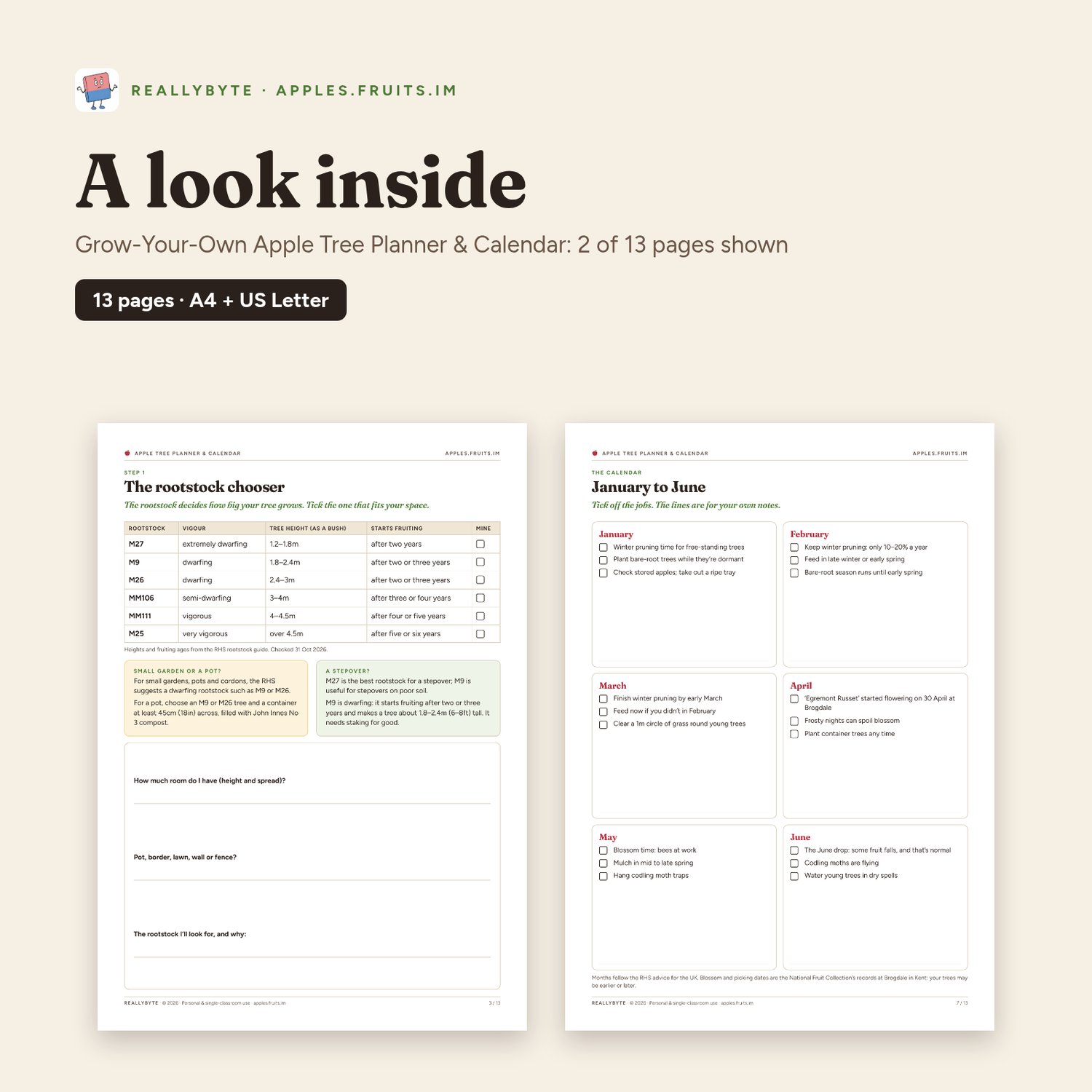
- Step 1: the rootstock chooser (six rootstocks, with tree heights and when they start fruiting)
- Step 2: pick a shape (bush, cordon, espalier, stepover or family tree)
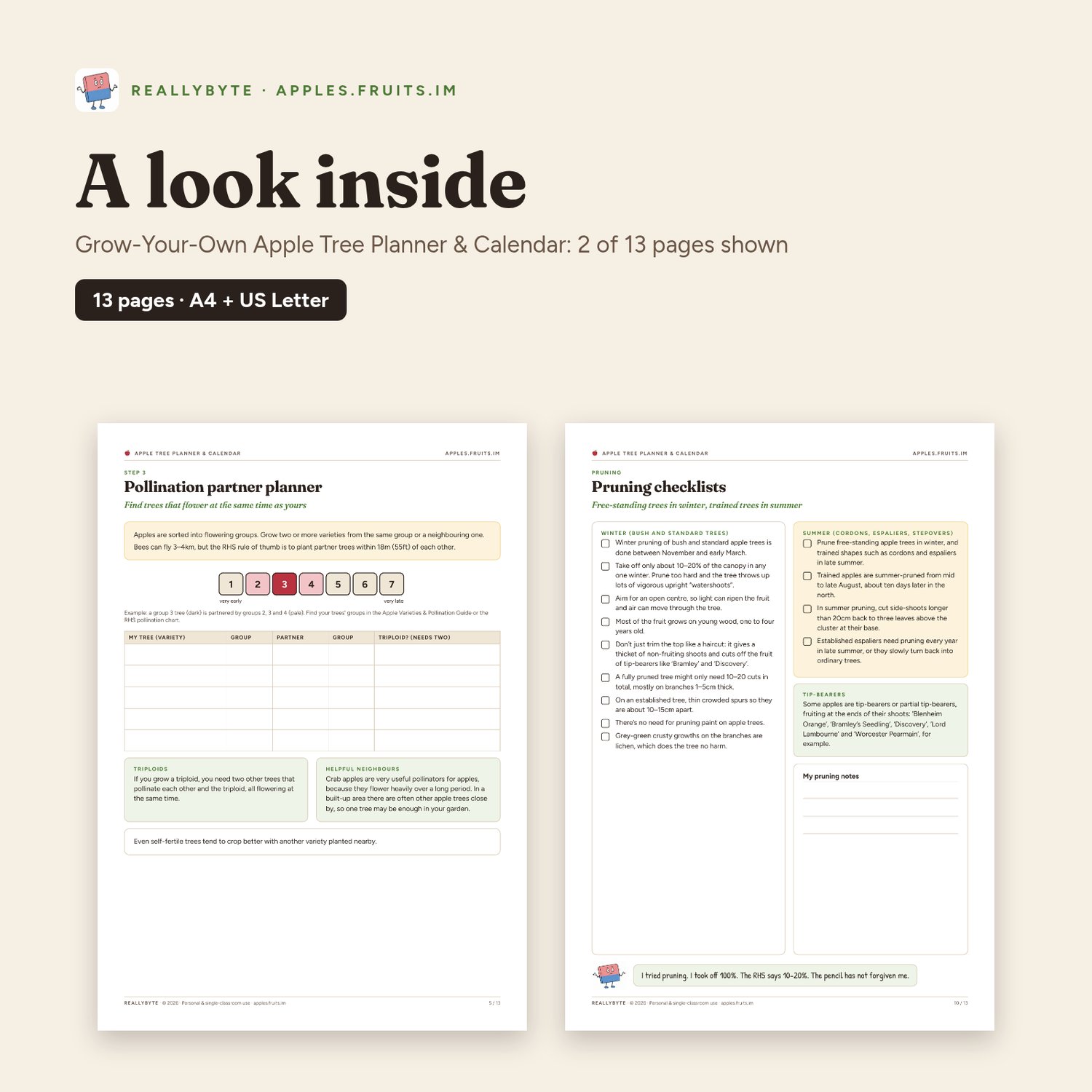
- Step 3: the pollination partner planner
- Step 4: a buying and planting checklist
- A month-by-month calendar over two pages, with 36 jobs to tick off
- My apple year: blank month-by-month notes
- Winter and summer pruning checklists
- A tree record sheet
- A garden plan grid
- Credits, licence & sources
Pages: 13 (including cover and credits). Sizes: A4 (210 × 297 mm) and US Letter (8.5 × 11 in), both PDFs included in one zip.
Printing: Print at 100% / actual size on A4 or US Letter. Inside pages use light backgrounds and print well in black and white; covers are dark, so start from page 2 to save ink. Fill-in pages (logs, records and check sheets) can be printed as often as you need for your own garden.
Every fact is checked against Royal Horticultural Society (RHS), National Fruit Collection, Encyclopaedia Britannica, National Trust and Common Ground web pages (checked 31 Oct 2026) and the sources are listed on each pack’s credits page. Blossom and picking dates are the National Fruit Collection’s records at Brogdale in Kent; facts that can change are printed with their date. Photos are public-domain images via Wikimedia Commons. Drawings, puzzles and layouts are REALLYBYTE’s own work. Not endorsed by the RHS, the National Fruit Collection, the USDA, the National Trust or Common Ground.
Licence: personal and single-classroom use. You may print as many copies as you need for your own family or your own class, and share it with your class through a password-protected platform. Please don’t resell, re-upload or share it publicly. For school-wide use, please email info@reallybyte.com.
Made by REALLYBYTE, the team behind apples.fruits.im. Questions: info@reallybyte.com
This is a digital download: no physical item will be shipped.